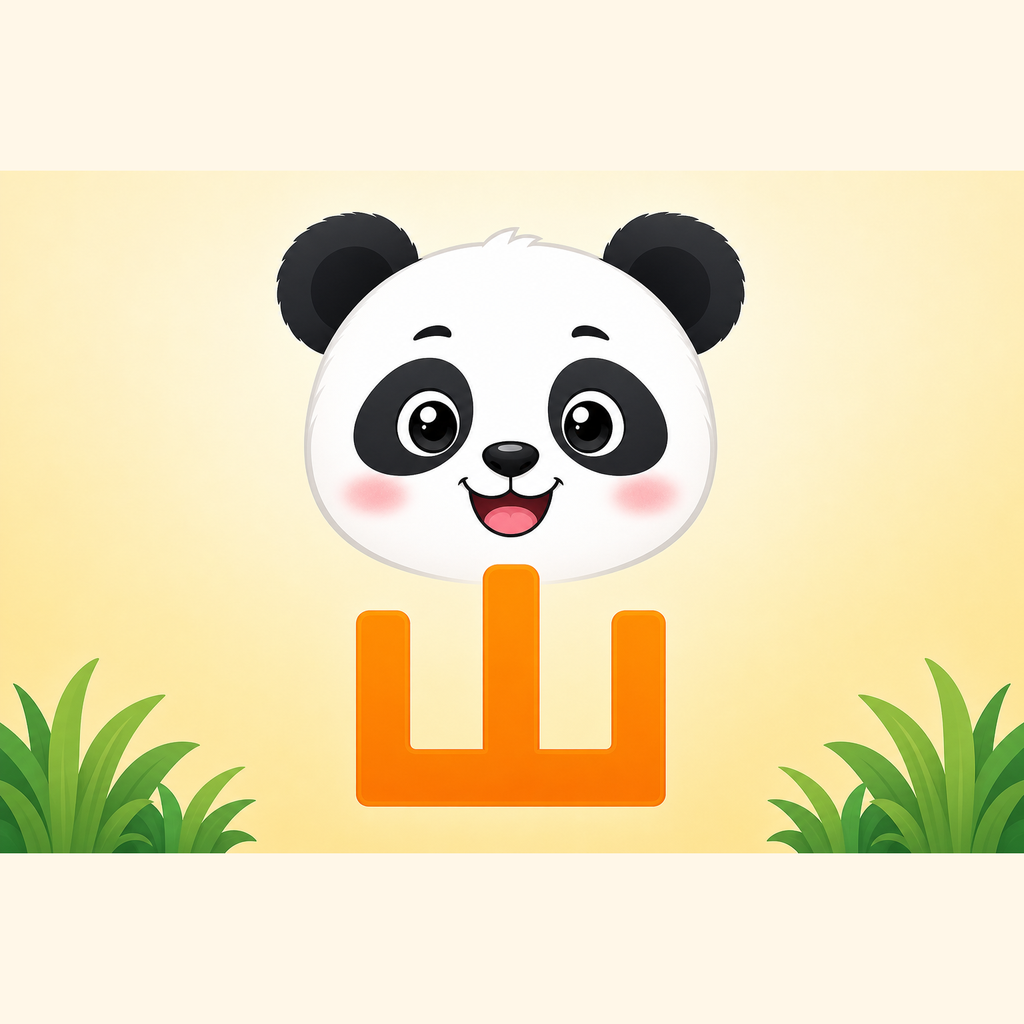
Explore 23 permanently free characters and a complete preview lesson for 我. Membership unlocks all scene characters in the current curriculum. Lessons teach Simplified Chinese characters with Mandarin pronunciation, not Traditional Chinese writing or Cantonese.
Learn Hanzi with Panda connects four skills in one short daily adventure: see and hear a character, follow its stroke order, recognize it in context, and meet it again in a bilingual story.
What children can do
- Watch stroke order and trace Chinese characters
- Listen and choose the character or meaning
- Repair stories and build characters from parts
- Grow a personal island as learning continues
- Listen to and reread short Chinese-English stories
Made for families
- Keep 23 foundational characters free forever, including 一, 二, and 三
- Preview the full lesson for 我; membership unlocks all scene characters in the current curriculum
- Continue learning offline
- Use English, Simplified Chinese, or Traditional Chinese navigation
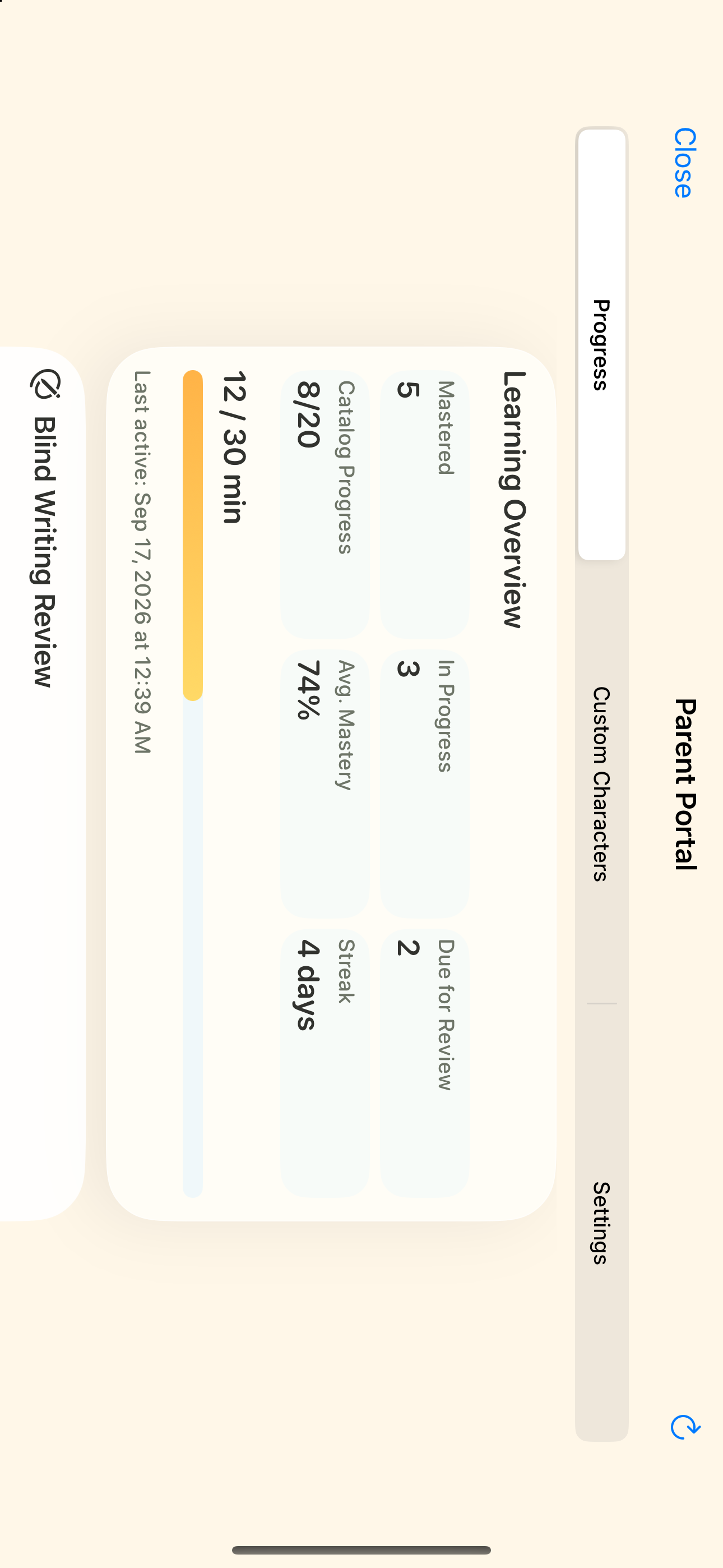
- Review progress and learning settings in the parent area
- Optionally use Sign in with Apple to sync progress
What membership adds
- Unlock all scene characters in the Numbers and Self & Family worlds within the current curriculum
- Eligible weekly stories contain up to eight pages with membership; see the parent FAQ for consent, learning, and recording conditions
- Weekly parent insights and three suggested characters
- Up to five custom character sets; reviewed learning and story content
A calm, child-safe experience
No ads, public profiles, open chat, or child free-text prompts. AI activities are optional and parent-controlled; core learning does not require AI. Reviewed content and prerecorded narration remain available when AI generation is unavailable.
Real gameplay
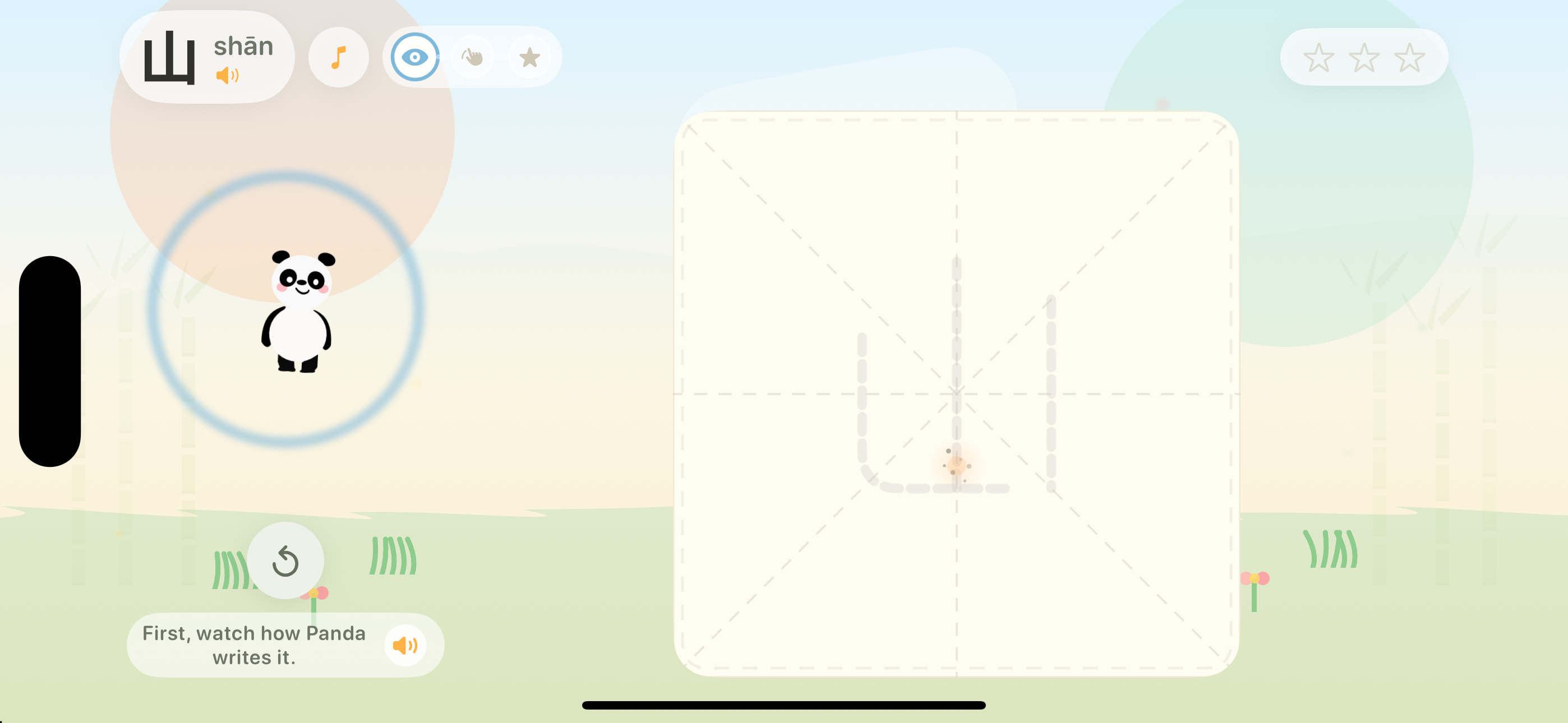
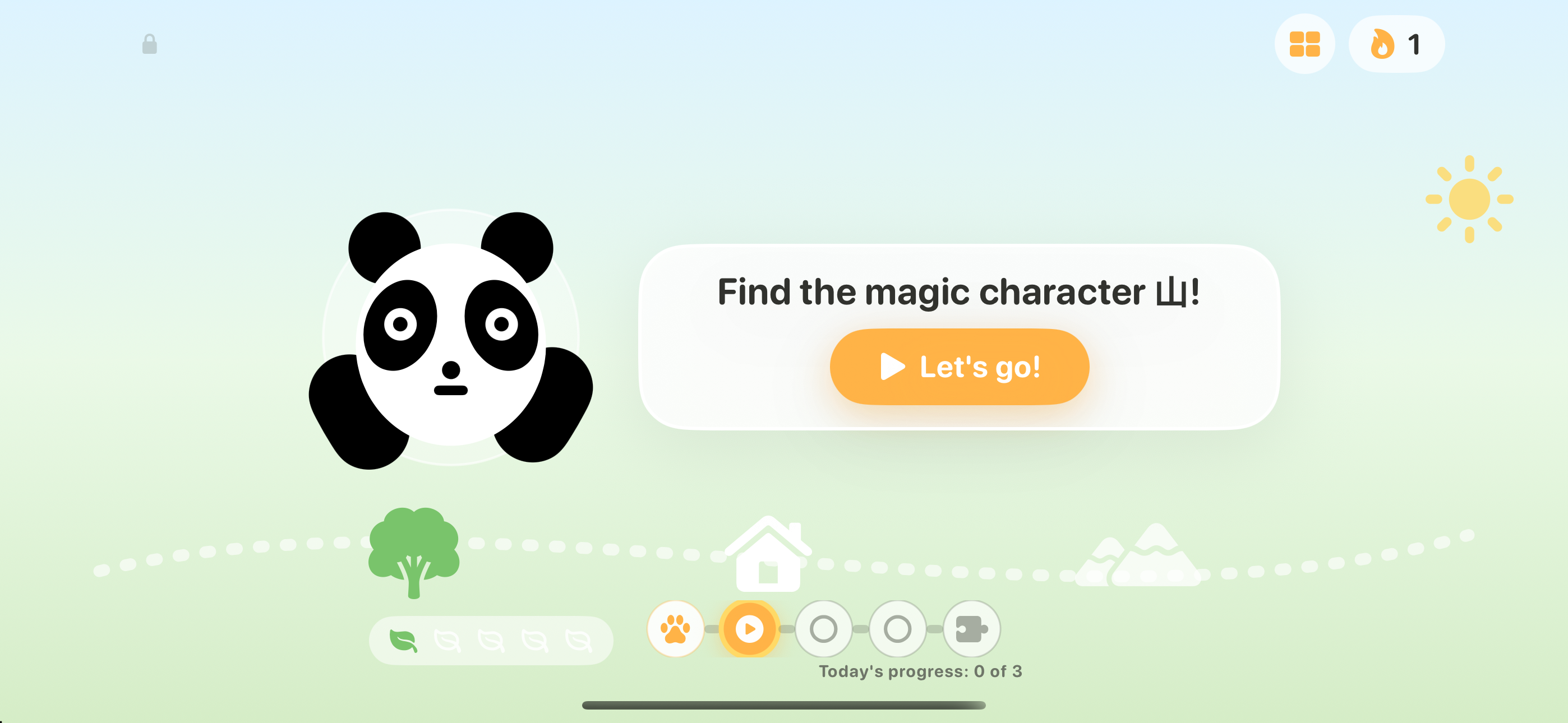

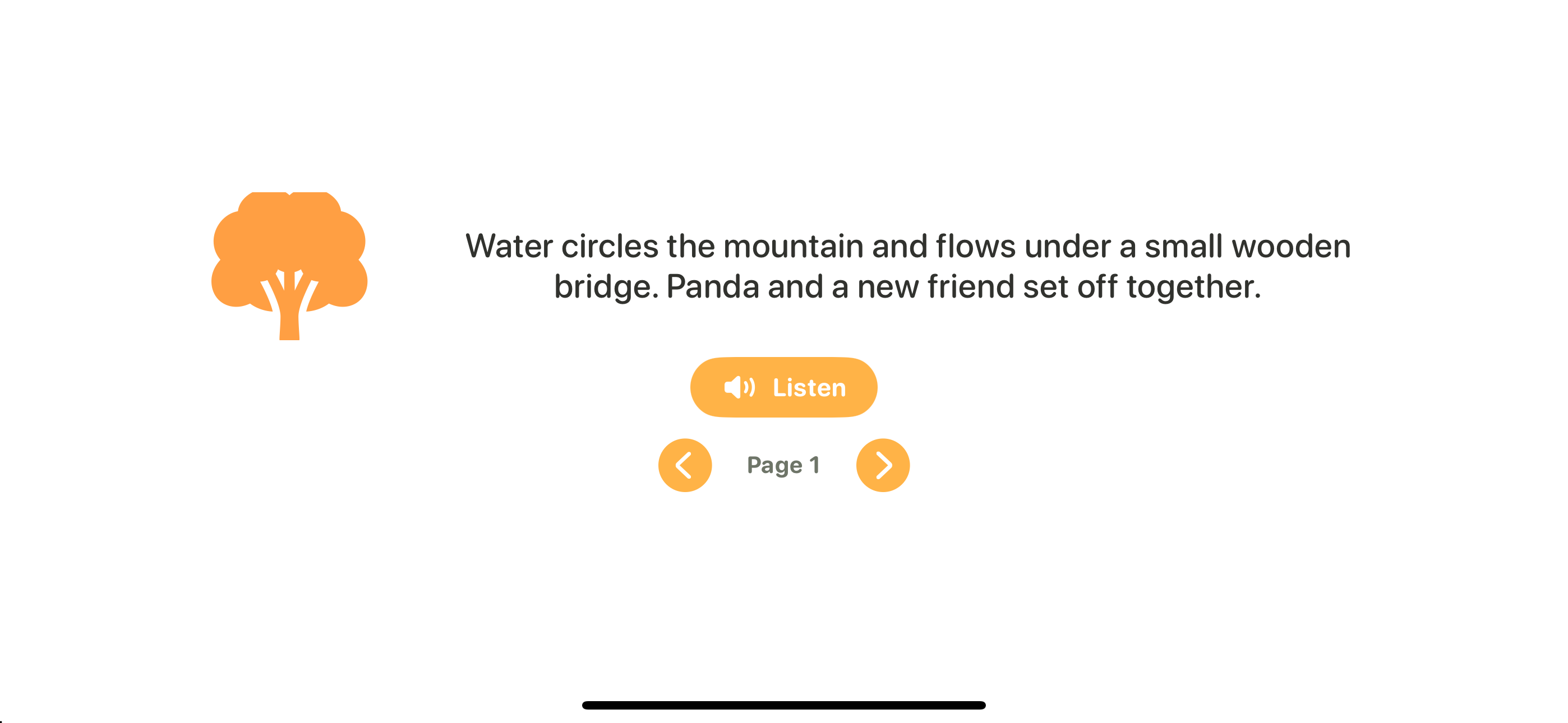
23 permanently free characters
- 山
- 水
- 木
- 火
- 日
- 月
- 人
- 口
- 田
- 石
- 土
- 大
- 小
- 上
- 下
- 中
- 天
- 云
- 雨
- 花
- 一
- 二
- 三
1 complete preview lesson
- 我
Questions from parents
What is free, and what requires membership?
Explore 23 permanently free characters and a complete preview lesson for 我. Membership unlocks all scene characters in the current curriculum. The app is free to download; subscriptions are optional and are purchased in the verified parent area.
Does the app teach Simplified or Traditional Chinese?
The target characters and tracing lessons are Simplified Chinese, with Mandarin pronunciation. Navigation is available in English, Simplified Chinese, and Traditional Chinese; choosing Traditional Chinese navigation does not change the characters taught.
What works offline?
Bundled character lessons, tracing, fixed recordings, and bundled reading activities work offline after installation. Account synchronization, restoring purchases, new server-provided weekly stories, and optional AI activities require a connection when used. Reviewed story templates remain available when AI generation is unavailable.
Must my child use AI?
No. Core character practice and bundled reading do not require AI, and there is no child free-text chat. Optional AI activities are parent-controlled and require the relevant consent settings. Turning those settings off does not disable core lessons; when AI generation is unavailable, reviewed story templates and prerecorded narration remain available.
When do stories unlock, and are they all narrated?
Bundled reading activities unlock as their required characters are learned. A new weekly book requires sign-in, the relevant parent story settings, completed and synchronized adventures on at least three different days in the current UTC week (Monday start), and at least one character meeting recognition, meaning, and writing goals. Extra groups on one day count once. A reviewed script must cover the selected characters. Eligibility is checked after adventure completion and sync, with at most one new book per week: up to four pages free or eight for members. Ready reviewed books have matching Chinese and English recordings. This does not promise narration for every historical book or arbitrary generated text.
How do I restore purchases and synchronize progress?
The parent area, sign-in, purchases, and external links require an adult arithmetic challenge followed by parent PIN setup or verification; biometrics cannot bypass this gate. Use Restore Purchases with the Apple account used to purchase. Sign in to the same app account on both devices for server-confirmed progress synchronization. Offline work stays on the device until it reconnects; synchronization is not instantaneous while offline.